
NSFW Roleplay: Lust Levels, Photos and Group Scenes
The Short Answer: GoLove.ai Keeps the Scene Together
NSFW roleplay falls apart when your partner forgets who she is three messages in. The app worth paying for keeps the scene, the character and the pictures consistent from the first line to the last.
My pick for NSFW roleplay is GoLove.ai, mostly because of continuity. One character carries the scene from chat to an in-chat photo to a short video, and memory holds the plot together. Most "uncensored" bots give you a text box and nothing else.
There are three proof points: a 5-level lust slider, Send Photo for 1 Star, and Scenarios with 2–10 characters. The sections below cover each one.
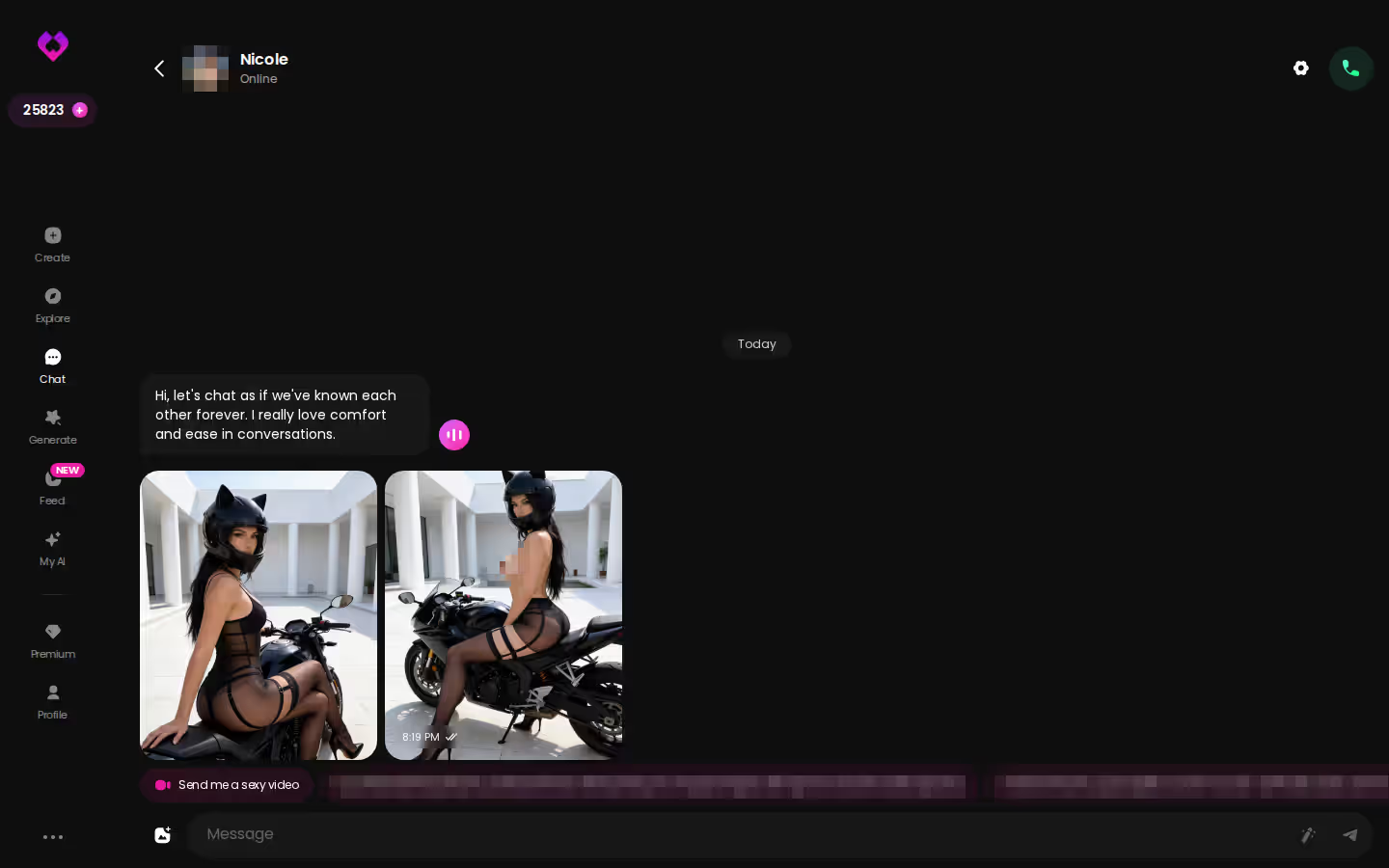
Look at what she's doing in that thread. She doesn't wait to be prompted. She picks up the scene and pushes it forward with her own follow-ups, and that's the difference between a roleplay partner and autocomplete.
Explore drops you straight into a chat with no character setup first. Pick a girl, set the lust slider, and within a few minutes you'll see whether she stays in persona past message three.
Lust Level and Response Length Set the Tone
Set these in Chat Settings before your first message:
ASK HER FOR PHOTOS
She sends them right there in the chat.

- Open any chat and tap Chat Settings.
- Choose her voice in the voice picker.
- Set lust level from 1 (sweet, wholesome) to 5 (unfiltered, intense).
- Set response length from 1 (short, snappy) to 5 (rich, immersive).
Response length is the setting I'd flag, and it's the one most people skip. Lust at 5 with length at 1 gets you quick sexting: a line or two, a tease, then your turn again. Move length toward 4 or 5 and her reply has room to describe the room, the touch and what she does next. That's the point where it becomes a scene.
Memory Keeps the Storyline Intact
She remembers your chat history, so a plot point you set up earlier in the thread can come back later. For long arcs (a slow-burn affair, or a storyline you return to over weeks) ULTRA adds 8,000-message smart memory. Putting the deepest memory behind the top tier is the one part of the setup that feels rough around the edges to me, since memory is exactly what a roleplayer is paying for.
Pictures That Match the Scene
When the moment calls for a visual, tap the media button, choose Send Photo and describe the moment in your own words. A photo of that same character arrives in roughly 20–45 seconds for 1 Star.
Does the photo match what she just described? You write the description yourself, and her face and body stay consistent with her avatar and earlier photos. That consistency is the reason the whole thing works.
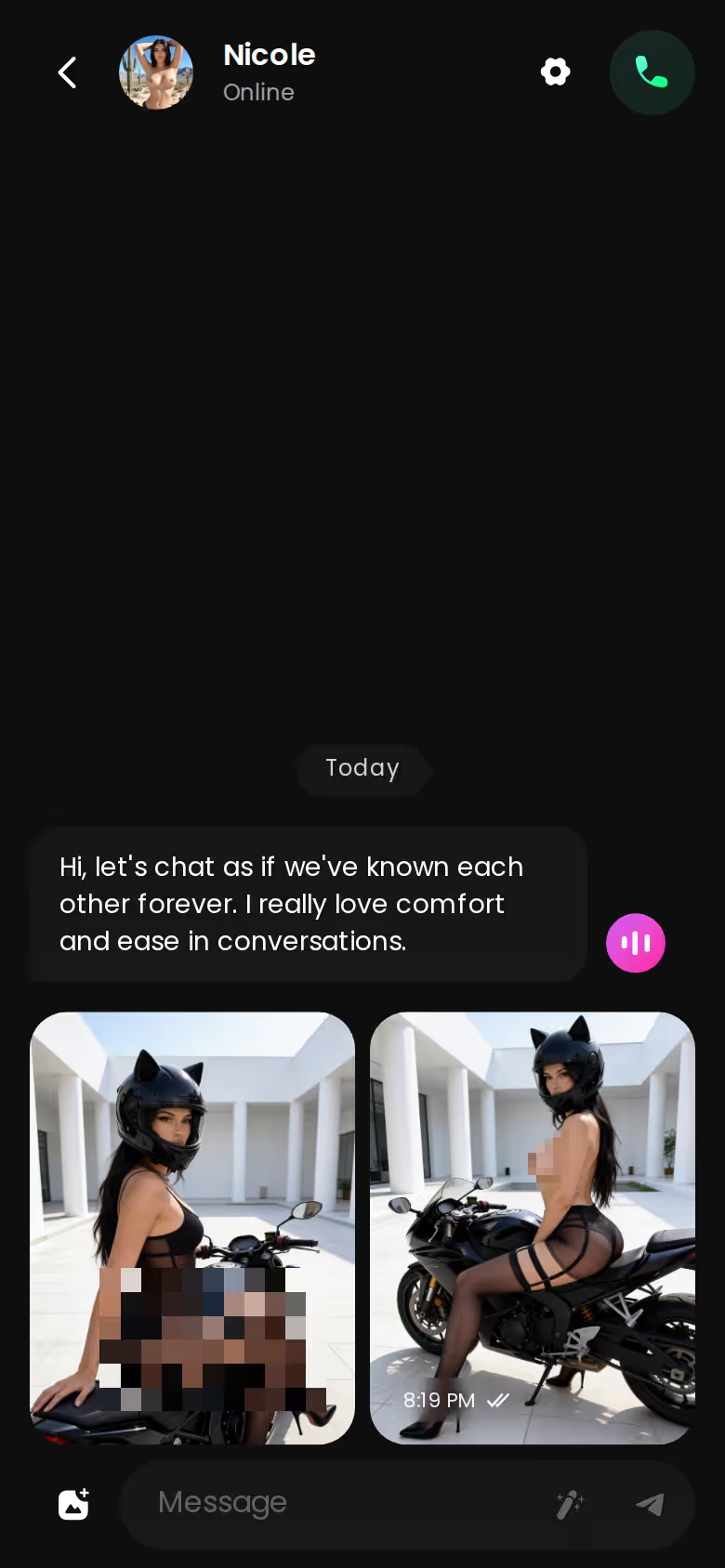
If you get stuck, the magic wand writes three suggested replies. You can also rate any of her replies from 1 to 5 and regenerate it.
Scenarios: Roleplay With Two to Ten Characters
Here's how a Scenario runs, one step at a time. You pick two characters from Explore, say a flirty one and a submissive one, and open a Scenario. You don't have a premise ready, so you tap Random and GoLove writes one for you. You set it to private, and each character greets you with a welcome message in her own voice.
 5 episodes
 Watch now
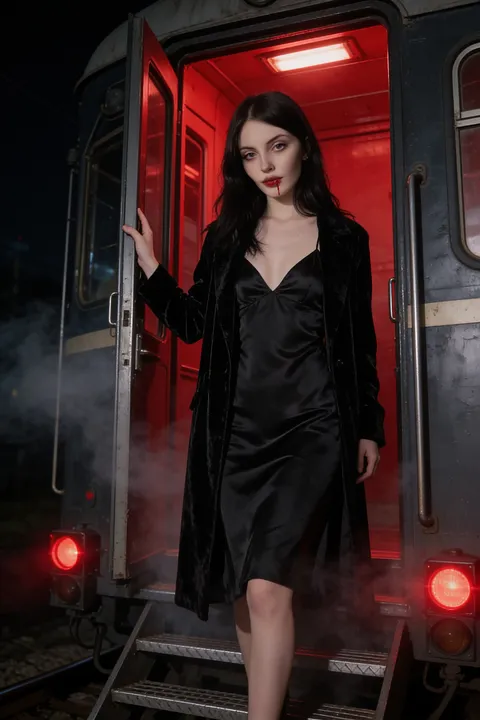 7 episodes
 Watch now
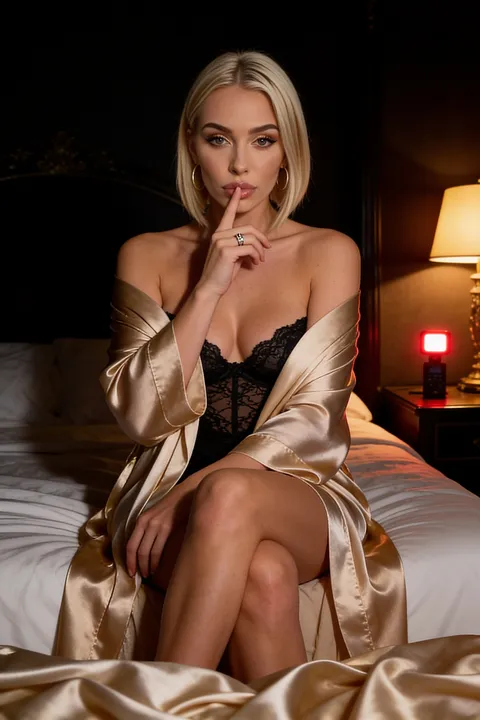 5 episodes
 Watch now
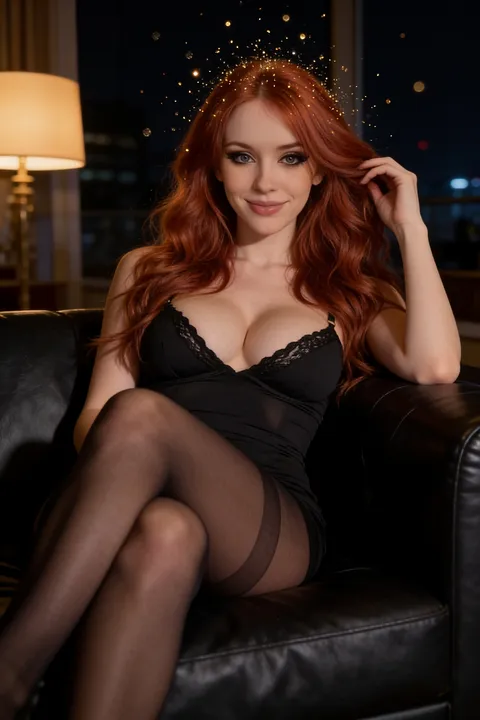 5 episodes
 Watch now
 5 episodes
 Watch now
 7 episodes
 Watch now
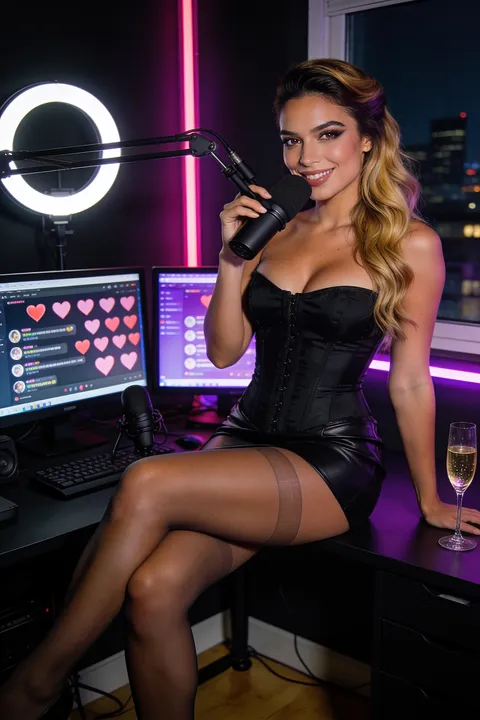 6 episodes
 Watch now
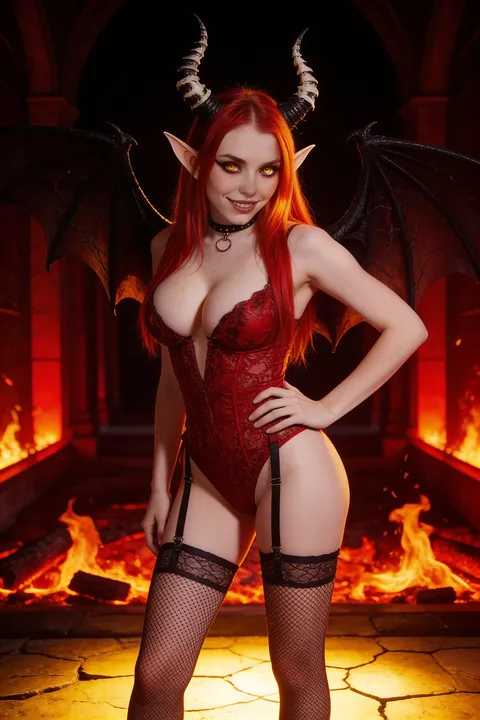 9 episodes
 Watch now
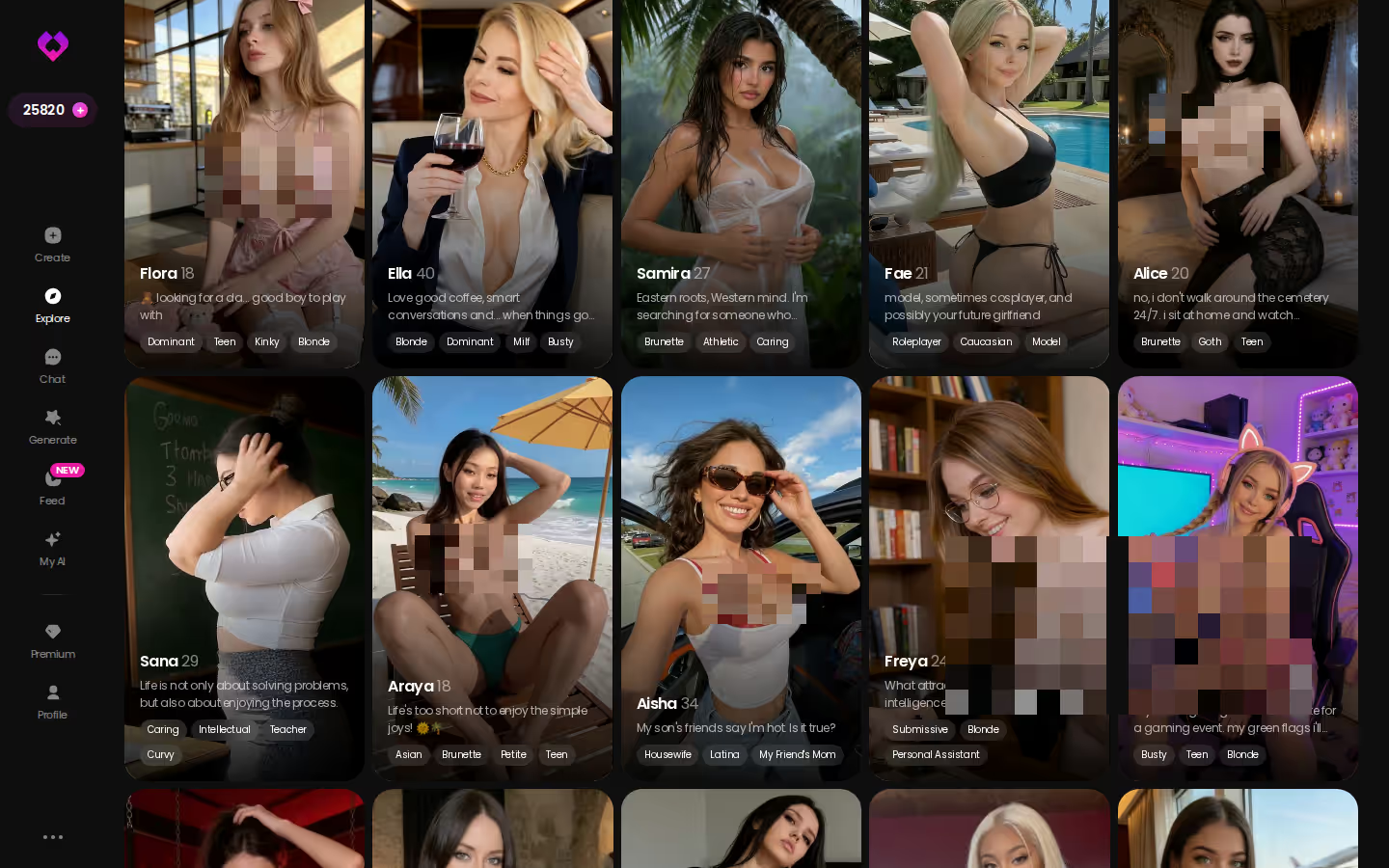
Eventually the scene stalls because you're not sure who should move next. You hit Continue, and the two of them carry it between themselves while you watch, with in-story photos arriving along the way. For everyone in one frame, group photos fit up to 3 characters in a single custom image.
Why does this matter for NSFW roleplay? Some scenes don't work with one voice. Jealousy, rivalry, two women competing for your attention: each of those needs a second character who reacts. A Scenario holds up to 10.
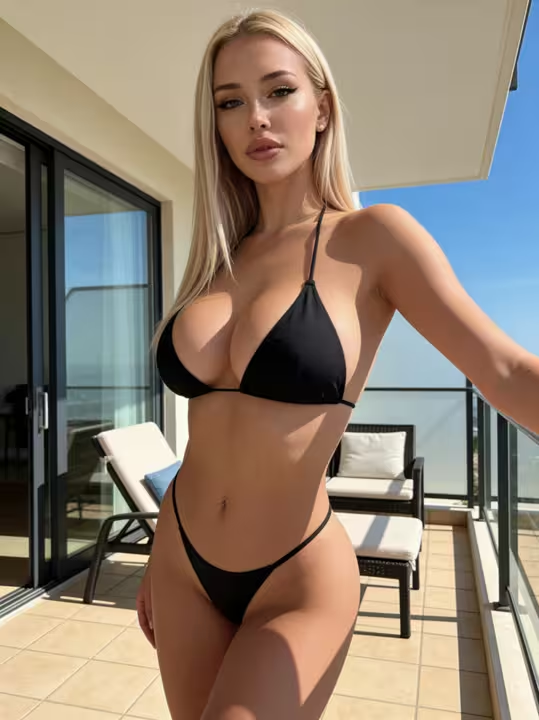
Characters you can open right now
Tap any of them and the chat starts there



If you want to see how other apps stack up, there's a rundown of OurDream alternatives that also handle photos and video.
Series Episodes as Ready-Made Roleplay Starters
Some nights you don't want to write the opening yourself. Series hands you one. These are GoLove's own 18+ vertical short dramas, each episode 60–100 seconds long in 9:16, with subtitles in nine languages.
10 series · 60 episodes as of November 5, 2026
Three of them work well as roleplay setups:
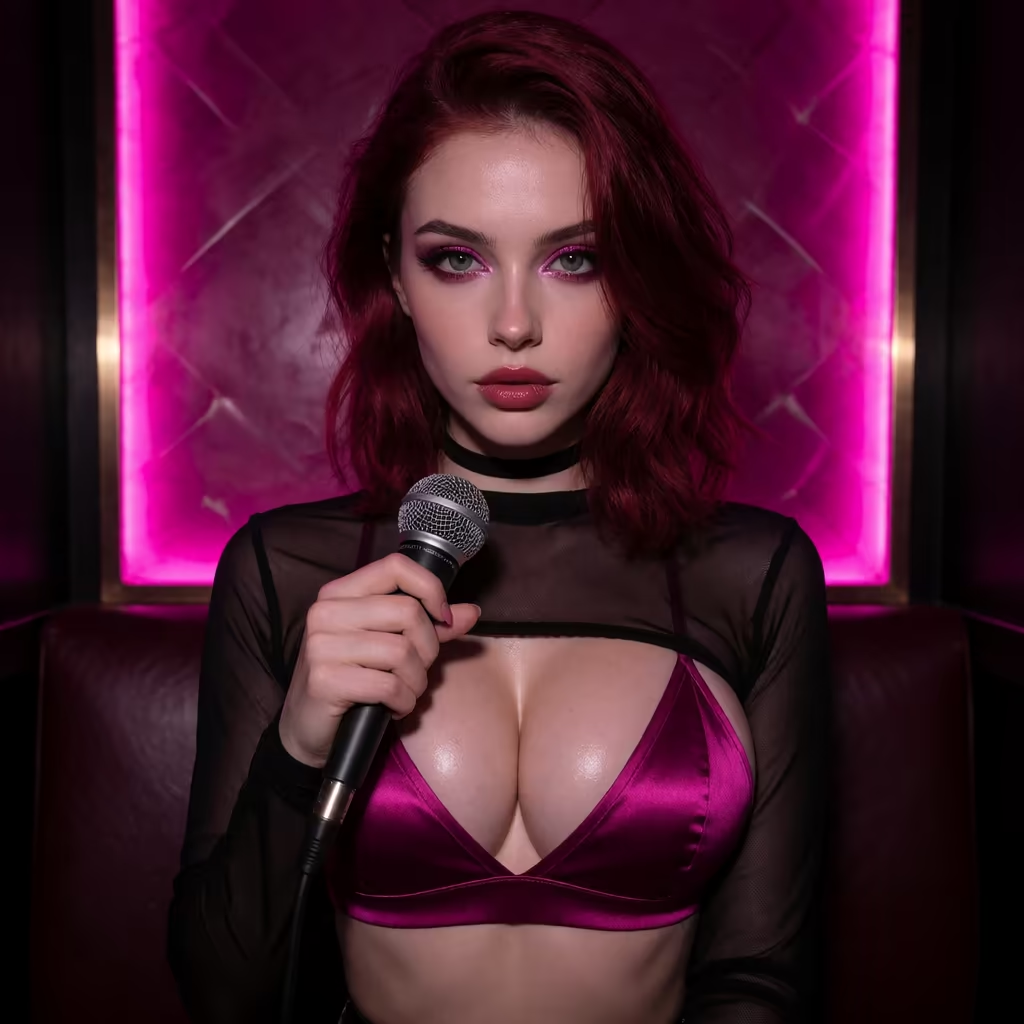
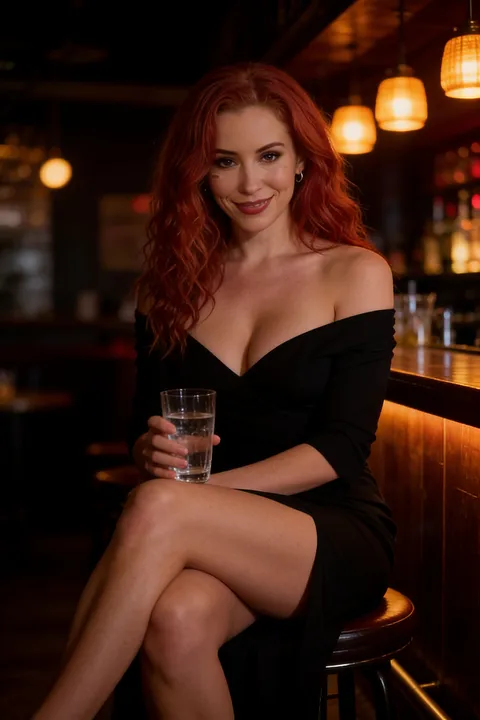
- My Professor Locked the Door (Jessica). A red-haired stranger almost kisses Max at a bar, then walks into his lecture on Monday as his new professor.
- I Can Hear Their Thoughts (Barbara). After a shock from a broken intercom, Lucas can hear what the women around him really think about him.
- The Only Mortal in Heaven (Angel and Asmodea). William is the only living man in heaven, caught between a sweet angel and a wicked demoness.
The roleplay starts when the episode ends. Under the player, Start Chatting opens the cast's profiles and chats, and from there the plot goes wherever you take it. Create Image and Create Video of the cast sit right beside it.
Episodes 1 and 2 of every series are free to watch. From episode 3 on, a free account needs PRO, and further episodes unlock for a few Stars each. GoLove says new episodes come out every week.
One Tap From Chat Photo to Clip
Once a photo lands in your chat, you can animate it without leaving the scene:
- Generate Video sits under the chat photo. One tap gets you a roughly 5-second video of the same character in the same scene, in about a minute, for 10 Stars.
- Video Note lives in the media button under Send Video Note. Tell her what to say or do, and she sends back a round talking clip with sound in under 90 seconds, also for 10 Stars.
MEET YOUR AI COMPANION
Hundreds of characters, one that fits you.

So the scene you wrote turns into something you can watch, and she keeps the same face the whole way through.
GoLove.ai, myth vs. fact:
- Myth: She forgets you the moment the tab closes — Fact: She remembers your chat history
- Myth: Voice is a gimmick you try once — Fact: Live voice calls, voice messages and a voice picker in Chat Settings
- Myth: Every "photo" is the same stock render — Fact: She sends photos on request, and the image generator has 35 realistic poses and 21 outfits
- Myth: You can't change how she talks — Fact: Chat Settings set her lust level and reply length
Building the Scene From Presets
For more control, open Generate, which has Video and Image tabs. The generator works per character: swap the avatar in the top-right, stack preset cards for action, clothes and background, then tap Generate once.
The realistic library includes:
- 35 picture poses
- 21 outfits
- 34 backgrounds
- 76 video modes, with labels like "Hard Doggy Style," "Twerk" and "Instant Undress"
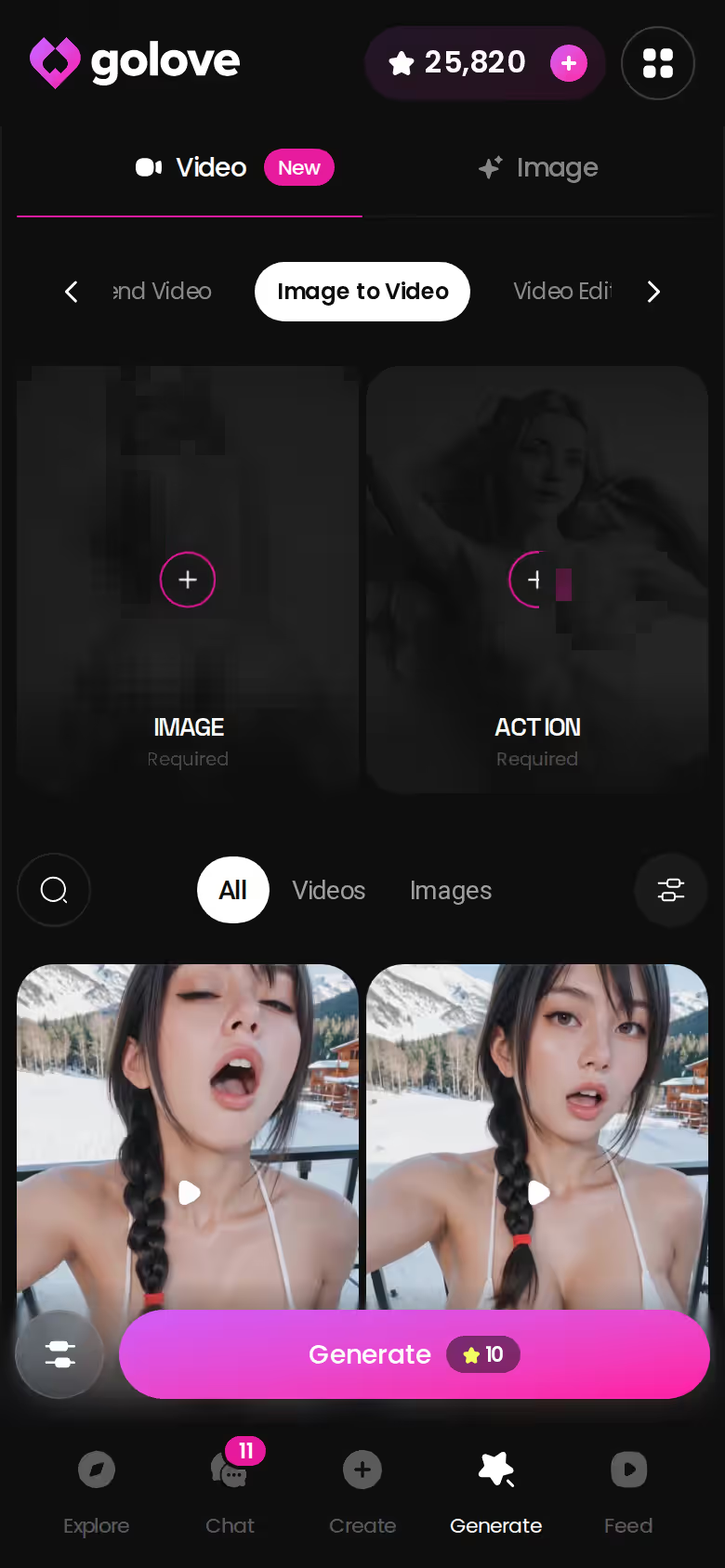
Image to Video works on mobile, so a still from your roleplay can become a clip right on your phone. A 720p video costs 10 Stars.
Seen a clip in the Feed that's spot on for the mood you want? Remix opens the generator with that clip's exact settings loaded, and you make your own version from there.
What NSFW Roleplay on GoLove Costs (Checked October 2026)
All prices are approximate, were checked in October 2026, and vary by region and promo.
| Plan / action | Approximate price | What it covers for roleplay |
|---|---|---|
| GoLove PRO | ~$19.99/month or ~$119.88/year (~$9.99/month) | All NSFW content, character creation, voice messages and calls, unlimited Feed, image generation, 100 Stars/month |
| GoLove ULTRA | ~$59.99/month or ~$359.88/year | Everything in PRO, plus more monthly Stars, a Star-refill discount, stronger models, 8,000-message memory, priority creation |
| Star packs | ~$9.99 (30 Stars) to ~$299.99 (3,000 Stars) | Top-ups for photos and video |
| Per action | 1 Star = 1 image · 5 Stars = 1 video · chat photo-to-video = 10 Stars | Pay as the scene needs it |
| OurDream (checked Sept 2026) | From ~$19.99/month, or ~$9.99/month on an annual plan | Images and video draw on a separate DreamCoins balance |
On annual billing, OurDream and GoLove PRO come out about the same, so price won't settle this. What settles it is what each plan actually does inside a scene.
New users also see a limited-time −70% first-subscription offer in the app.
Maybe you'd rather write your own partner from scratch. Design with AI takes up to 2,000 characters of description and, in about a minute, returns a named character with a bio and a portrait for around 3 Stars. She's private by default, so you can make her as specific as you like and nobody else sees her. Start building yours now.
Who GoLove.ai Is NOT for in NSFW Roleplay
GoLove isn't right for everyone searching for NSFW roleplay. Skip it if any of these sounds like you:
- You want it free. The verified free perks are 2 daily Stars, a limited daily Feed, and Series episodes 1–2. Roleplay with images and video runs on Stars or PRO, so expect to pay once the scene gets visual.
- You want a male AI partner. The Explore gender filter shows "Male (Soon)." For now the characters are female and trans only.
- You want a real relationship. GoLove is an AI companion. It can be affirming and a lot of fun, but it doesn't replace a person.
- You want to recreate someone you know. Building a character from photos is ULTRA-only, in alpha, and has its own consent policy. Never upload anyone's photos without their consent.
If none of those fit, the trade-offs land in GoLove's favor. You're paying for continuity, and that's why the scene holds.
and watch their story unfold.View Character
The Pick for NSFW Roleplay, and When OurDream Fits Instead
Verdict: GoLove.ai is the pick for NSFW roleplay. It's for adults who want one character to hold a scene from the first line through photos and video, without drifting out of persona.
OurDream makes sense if you've already built a character there and want chat, images and video bundled under one subscription. On an annual plan it costs about the same as GoLove PRO. Before you switch, check what OurDream's plans and DreamCoins actually include.
For this search, though, GoLove keeps the scene together more completely. The lust and length sliders set the tone, memory carries the plot, and Send Photo brings in the same face mid-scene. Photo-to-video turns a moment into a clip. Scenarios add a second or third voice when the story needs friction, and Series gives you an opening on nights you don't feel like writing one.
Pick one of the realistic girls in Explore and set the lust slider before you type. Within a few messages you'll know whether she can hold the scene.
Frequently Asked Questions
Related Articles
Wasup AI: Character Chat Scored on Price and Photos
Wasup AI searches all mean 18+ character chat — GoLove.ai wins on in-chat photo requests at 1 Star each. Compare price, memory and Series episodes.
Myimg AI Porn: Pose Presets and a Face That Stays Put
Myimg AI porn searches want explicit AI images on demand — GoLove.ai wins on consistent-face photos from 35 pose presets. See the generator and chat loop.
Juicy AI: Spice Sliders, Star Costs and 60 Episodes
Juicy AI chat, decoded by the numbers — GoLove.ai wins on in-chat photos at 1 Star each and 10 short 18+ series. Compare the costs, then watch an episode.
Replika AI: What $19.99 Buys and Where Sexting Stops
Replika AI keeps strong memory and avatars, but sexting is restricted for newer accounts. GoLove.ai sends in-chat photos — compare the plans.