

Kupid AI Review: What Weekly Pricing Really Costs a Month
The Weekly Price Tag on Kupid AI's Pro Page
Kupid AI's Pro page does something almost no subscription does: it prices by the week. A weekly figure looks small until you multiply it out. Run the 52-weeks-over-12-months math and the one-week option comes to roughly $56.29 a month.
Three rates sit on the Pro offer: a one-week option with no commitment, a three-month commitment and a twelve-month commitment, each shown as a weekly price. We could not confirm an upfront total for any of them, so the weekly figure is all you have to work with. That's the rough-around-the-edges part of the page, and it's more confusing than clever.
So what are you paying for? By its own description, Kupid AI is a companion app built on appearance and personality customization. You text with prebuilt characters or ones you design yourself, and on top of the chat it lists AI image generation, AI video generation and voice messages (checked 2026-10).
If you typed only "kupid" into a search bar, here's how to know you're in the right place. The companion app is the one built around character chat, image and video generation and a weekly-billed Pro offer. If the page in front of you has none of that, you've landed on a different use of the word.
Decoding the weekly pricing comes first. This piece ends up recommending GoLove.ai for live voice calls, memory, and photos and video sent inside the chat, and the next sections show why.
Prices checked 2026-10; promos vary.
 Binge the hottest AI seriesWatch She Streams on My Platform and more popular shows starring your favorite AI characters.Watch now
Turning Kupid AI's Weekly Rates Into Monthly Costs
Kupid doesn't do the conversion for you, so here it is in three steps:
- Take the weekly rate shown on the Pro offer.
- Multiply by 52, the number of weeks in a year.
- Divide by 12 to land on a monthly equivalent.
| Commitment | How the Pro offer shows it | Monthly equivalent |
|---|---|---|
| One week | Weekly rate, no commitment | ≈ $56.29 |
| Three months | Weekly rate, three-month commitment | ≈ $26.61 |
| Twelve months | Weekly rate, twelve-month commitment | ≈ $14.86 |
All Kupid figures were checked 2026-10. These are calculated equivalents of rounded advertised weekly rates, not verified invoices, and we could not confirm upfront totals on the Pro offer.
The table cuts both ways. Paying week to week is by far the most expensive way in, while the twelve-month equivalent sits in the same range as subscriptions sold monthly. For context, GoLove PRO is sold monthly or annually, with the annual plan the cheapest per month; its prices vary by region and promo, so check the current plans in the app. Kupid's homepage also advertises unlimited free text chat, and that's a real reason to start there.
 6 episodesWatch now
 9 episodes
 Watch now
 5 episodes
 Watch now
 6 episodes
 Watch now
 5 episodes
 Watch now
 5 episodes
 Watch now
 7 episodes
 Watch now
 5 episodes
 Watch now
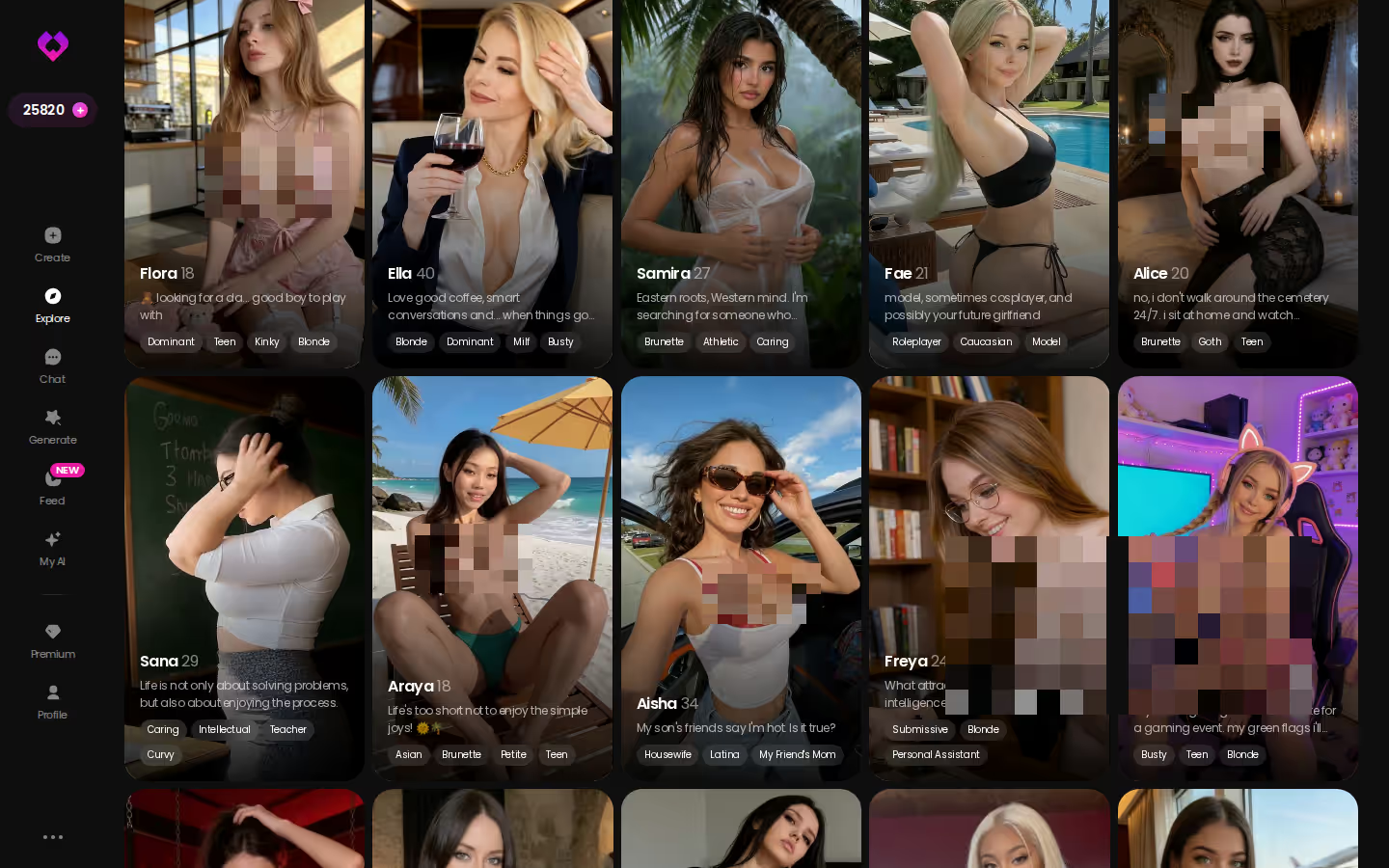
With the math done, the plan question can wait. Browse the roster first and find the profile that actually makes a monthly figure feel worth paying.
Judging a First Chat Before You Commit to a Plan
Picture the first five minutes on GoLove. You open a character from Explore, say Natalie Moore, the 22-year-old flirt. Before you type much, you open Chat Settings, where three dials shape everything that follows:
- Lust level: five steps, from 1 (sweet and wholesome) to 5 (unfiltered and intense).
- Response length: five steps, from 1 (short and snappy) to 5 (rich and immersive).
- Voice: the voice picker sets how she sounds once she starts talking back.
The one setting I'd touch first is response length. At 1, her replies come back short and snappy, closer to quick back-and-forth texting. At 5 they turn rich and immersive and read more like a scene. Knowing which you want tells you more about fit than any pricing page.
Here's where the two apps split. Kupid AI lists voice messages, and we could not confirm whether it offers live real-time calls. GoLove lists both Voice Messages and live real-time Voice Calls, plus Memory that keeps your chat history in play.
Characters you can open right now
Tap any of them and the chat starts there




A voice message is a reply; a live call is a conversation. For a companion, that gap matters more than the price.
Then there's the moment the thread stops being text. With Request Photos in Chat, you can ask her for a picture inside the conversation you're already having.
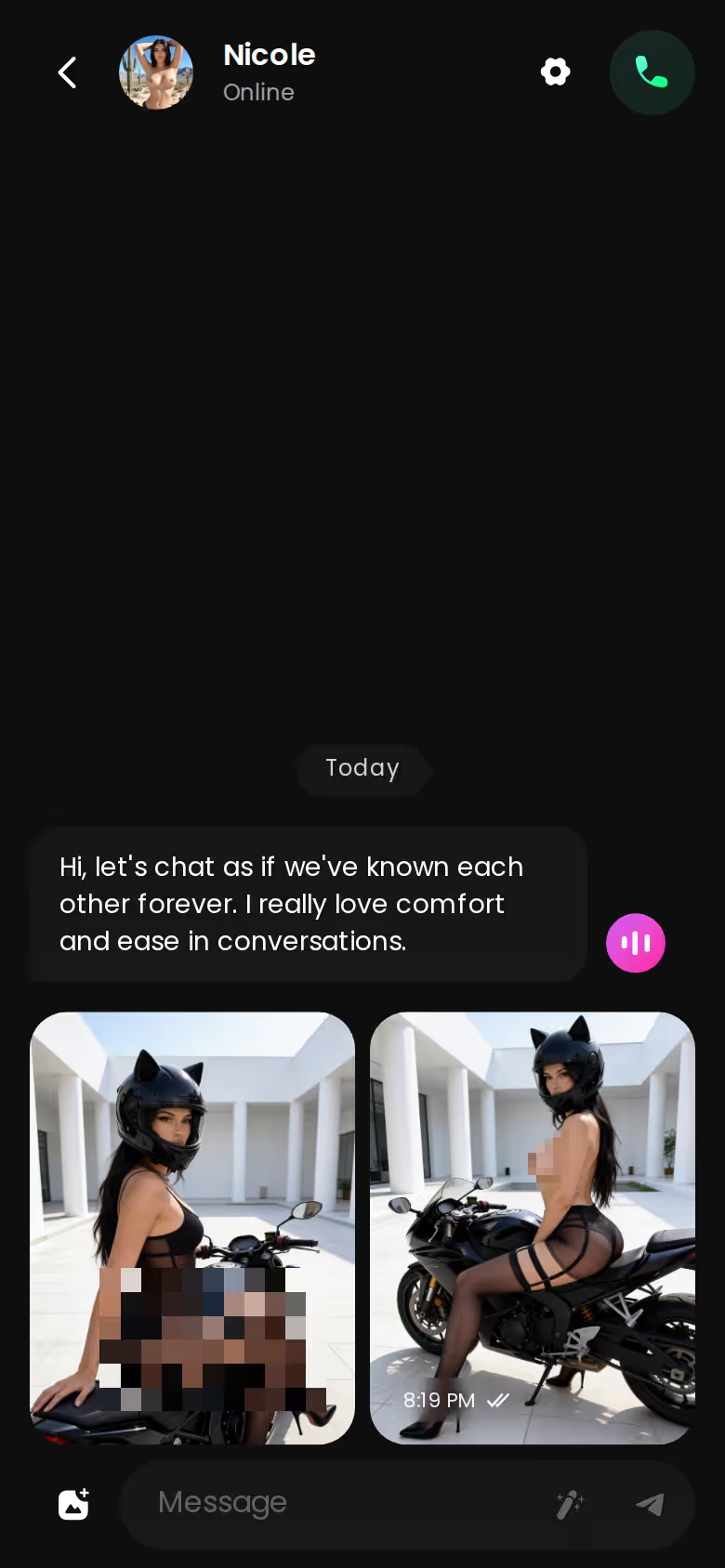
Which of these features a given account can reach depends on the plan, so check the current plans in the app.
Building a Custom Character on Kupid AI and GoLove
Talking to her is one half of the story. Designing her is the other.
Credit where it's due: appearance and personality customization is one of Kupid AI's listed strengths, and you can chat with your own custom characters as well as its prebuilt ones. If you mostly want to shape a character's look and temperament and then text, the spec covers that.
GoLove's create flow starts with a style choice: Realistic, Anime or Trans. A fourth route, Design with AI, lets you describe a concept in plain text and has the AI generate the character from it. That's handy when you know the vibe ("soft-spoken bookshop girl with a sharp streak") but don't want to set every slider by hand.
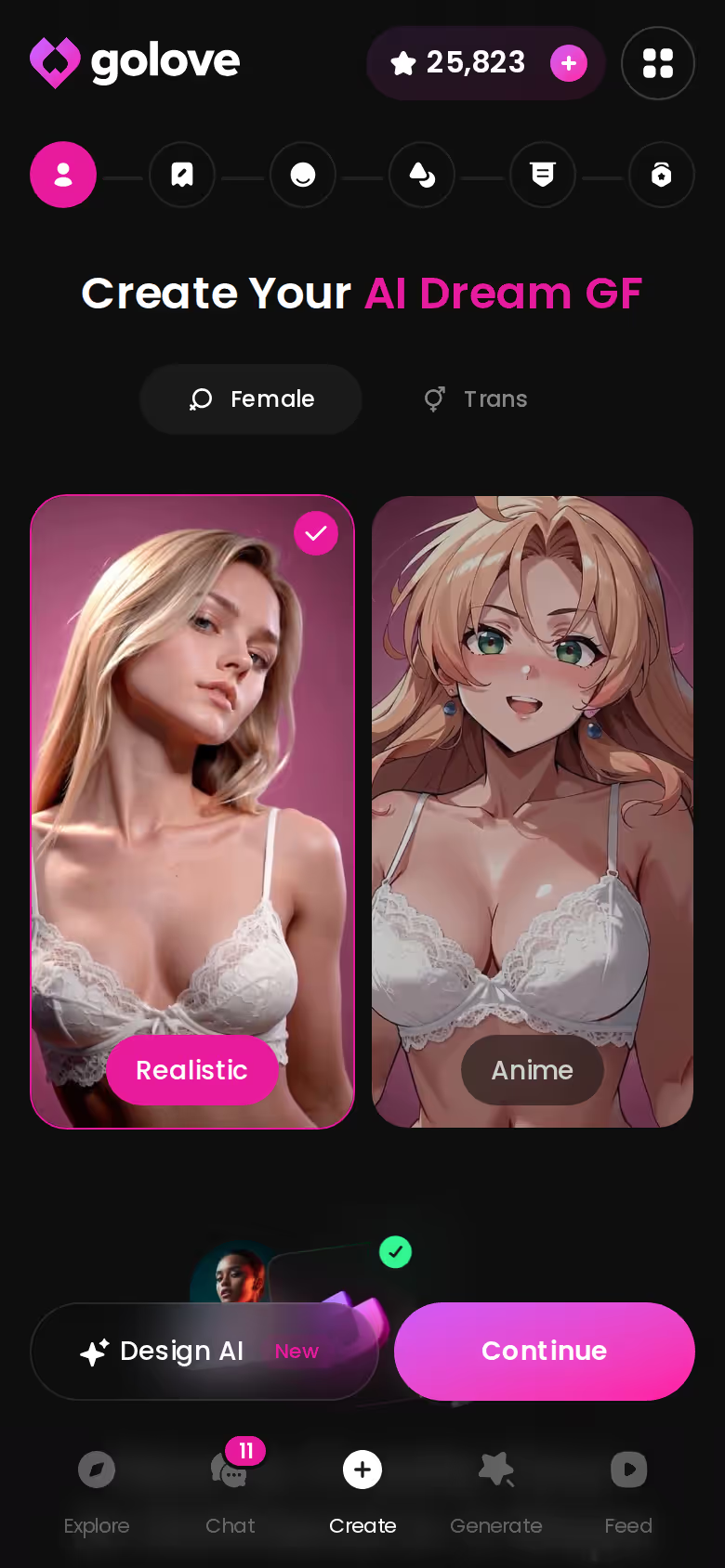
Anime fans get their own shelf. GoLove keeps a separate catalog of 300+ anime AI girlfriends in its own Explore category, so there's a ready-made roster to browse before you build one from scratch.
On paper, then, both apps cover the basics of custom characters. What separates them is what the character can do once she exists, and that comes down to the visuals.
BUILD HER YOUR WAY
Face, voice and personality, all set by you.

On GoLove.ai, the order that works:
- Pick a character — or build one to your taste
- Say something real: she remembers your chat history
- Open Chat Settings: pick her voice, lust level and reply length
- Ask her for a photo in the chat
- Want a set pose or outfit? The image generator has 35 realistic poses and 21 outfits
When Photos and Video Arrive Inside the Conversation
Kupid AI lists both AI image generation and AI video generation, so this isn't a case of one app having visuals and the other going without. The difference worth explaining is where the visuals live.
On GoLove, three features keep pictures and clips inside the conversation:
- Request Photos in Chat: you ask her for a photo mid-thread, and it arrives in that thread.
- Generate Video from Photo: a photo she has already sent can become a short clip, right in chat.
- Video Actions in Chat: a Select Action modal picks what happens in the clip, without leaving the conversation.
That's the continuity piece, and it's the part I'd weigh most. The character you've been flirting with is the one in the picture, in the same thread, with your history still visible above it.
By the numbers: the picture generator offers 35 realistic poses, 21 outfits and 34 backgrounds, rendered in batches of 2, 4 or 8. The video side runs to 147 video modes across realistic, anime, trans and anime-trans.
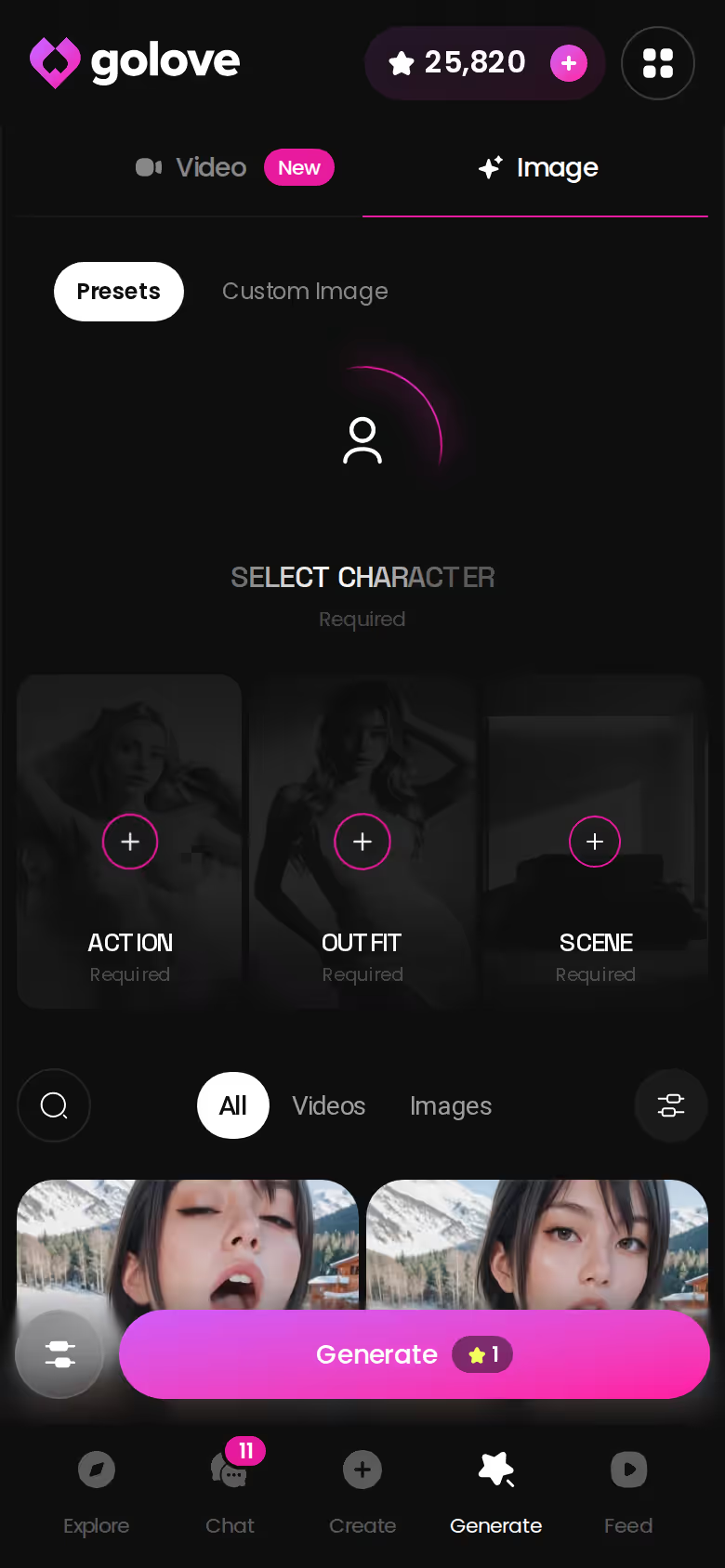
Prefer to work outside chat? The generator handles that too: pick your presets, tap once, done.

Curious how a bundled chat-and-video subscription prices out elsewhere? Here's how another bundled chat-and-video app compares on price and voice.
Kupid's Upfront Totals, GoLove's Star Costs: Still Unverified
Some things we couldn't pin down, on both sides:
- Kupid AI's upfront totals. The Pro offer showed weekly rates, and we could not confirm what each plan charges upfront. The monthly figures above are calculated equivalents.
- Kupid AI's memory depth. We could not confirm how much it carries from one session to the next.
- Kupid AI's live calls. Voice messages are listed. We could not confirm live real-time voice calls.
- GoLove's Star cost per video. We could not confirm how many Stars a generated video costs.
- GoLove beyond the daily Stars. Every account gets 2 daily reward Stars. We could not confirm how far an account goes past that, so check the current plans in the app.
- GoLove's promo pricing by region. Prices vary by region and promo. We could not confirm whether a given discount holds where you are.
Most of these gaps are billing detail. None of them change which app lists live calls and in-chat video.
and watch their story unfold.View Character
What I'd Do Before Paying for Either App
Before you pay for either app, here's the order I'd go in.
On Kupid AI, take whatever weekly rate the Pro page shows you that day and run it through the same 52 ÷ 12 math. Then look for an upfront total before you commit. A three-month or twelve-month option means real money leaves your account at once, and you want that number in front of you, not just the weekly one.
Next, be honest about what you want from her. If it's mostly text chat with a character you've customized down to her personality quirks, Kupid AI's spec is spot on for that, and its homepage advertises unlimited free text chat. That's hard to argue with.
Want her to pick up when you call, remember where the last conversation left off, and send photos and video into the same thread? Then the pick is clear. Recommended pick for this search: GoLove.ai, for live real-time Voice Calls, Memory and Request Photos in Chat. GoLove PRO pricing varies by region and promo, so check the current plans in the app before you subscribe.
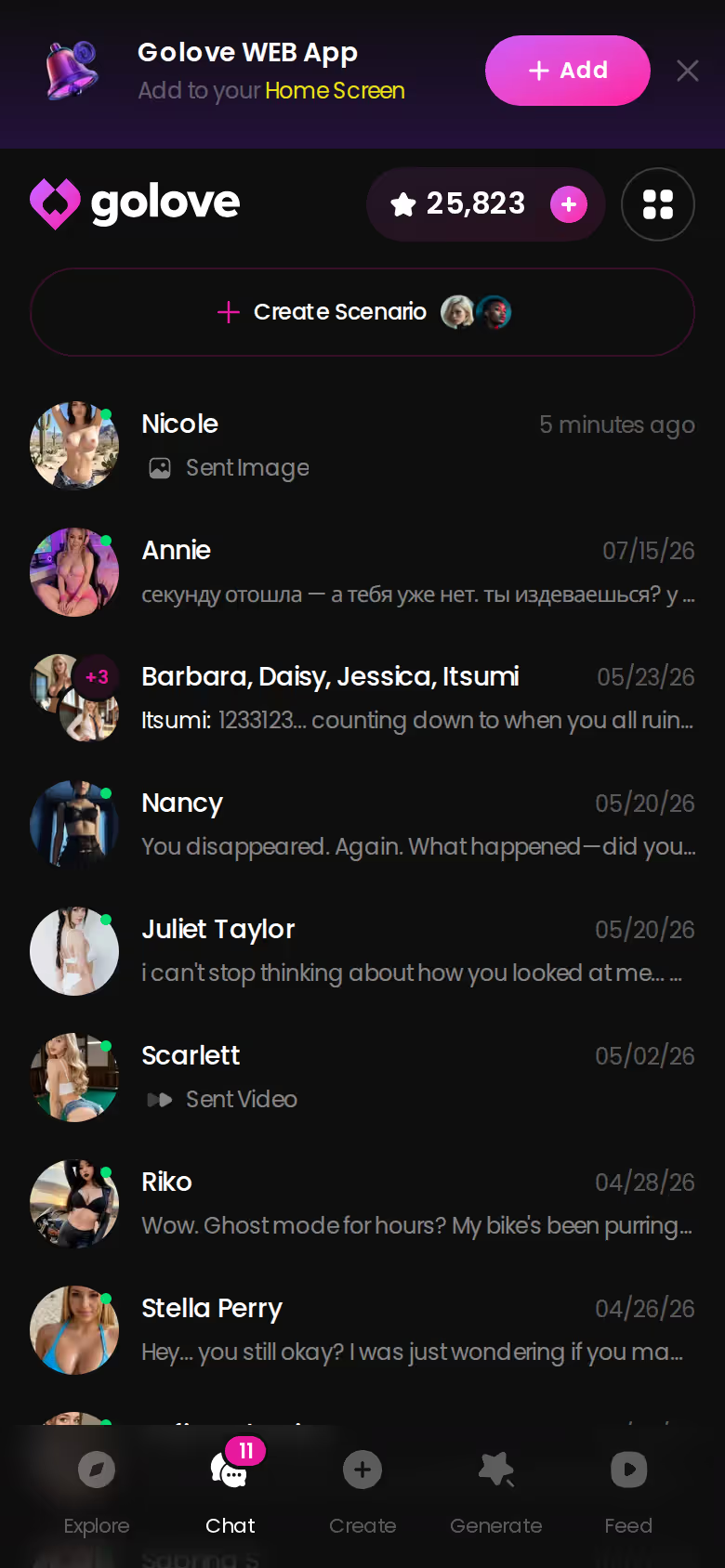
Every character you build keeps her own thread, so she's waiting right where you left her. Start with the one you'd actually want to call.
Frequently Asked Questions
Related Articles
AI Boy: How to Choose When Male Characters Say 'Soon'
AI boy search? GoLove.ai still marks male characters 'Soon' — but its in-chat photos and video generator lead today. Compare plans and start.

AI Generated Porn GIF: What Each 5-Second Loop Costs
AI generated porn GIF loops, priced per clip — GoLove.ai wins on same-character video from 147 one-tap modes. Compare Stars per loop and start yours.

Best NSFW AI Video Generators 2026: What Actually Works
Best NSFW AI video generators 2026, tested — GoLove wins on photo-to-video and voice continuity. See real results, instant-access needed.

Replika AI: What $19.99 Buys and Where Sexting Stops
Replika AI keeps strong memory and avatars, but sexting is restricted for newer accounts. GoLove.ai sends in-chat photos — compare the plans.