
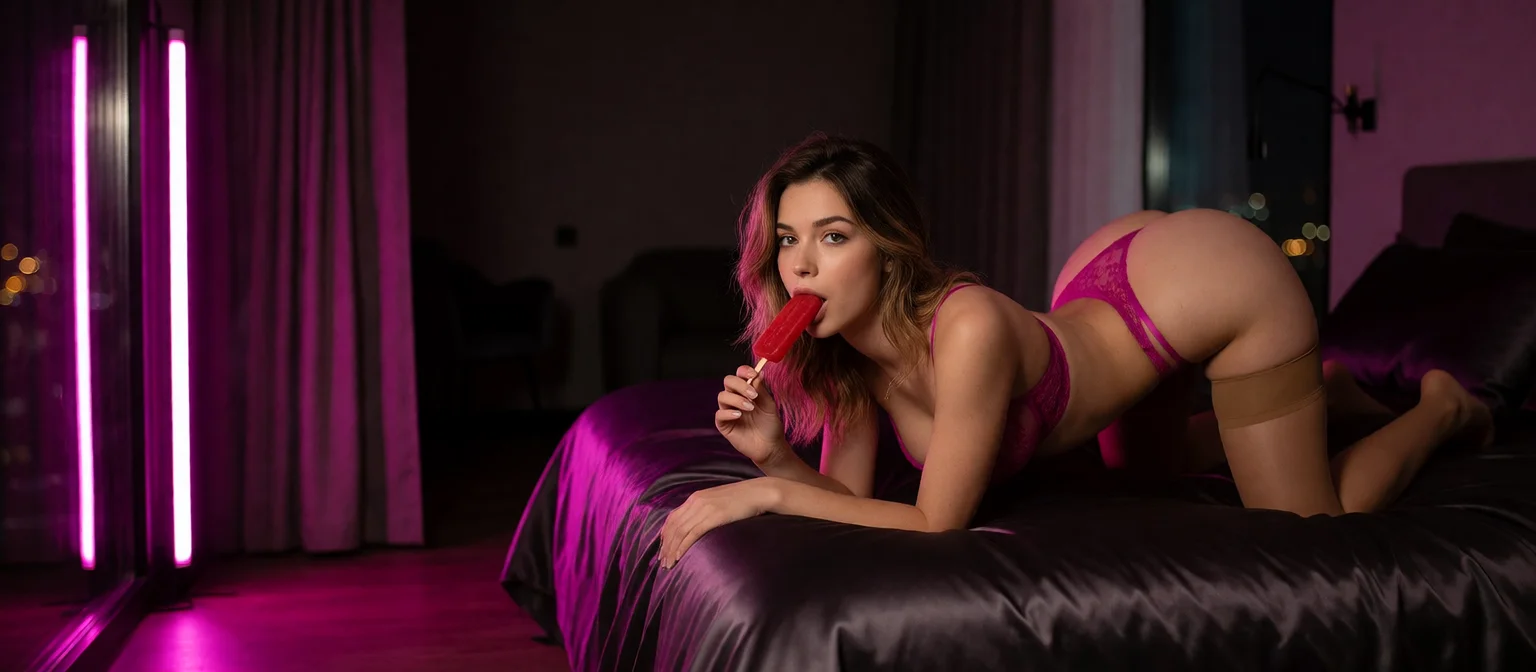
AI Video Chat: Talking Video Replies at 10 Stars Each
The Short Answer: GoLove.ai Puts the Video Inside the Chat
Most apps that promise AI video chat hand you a text box and a stock clip. What you actually want sounds simpler and is harder to deliver: the woman you're already talking to answering you on video, with her face, her voice and the scene you asked for.
GoLove.ai is my pick because the video lands in the same thread as the conversation, from the same character who already has your chat history. Ask for a Video Note and she sends back a round talking clip with sound in under 90 seconds, for 10 Stars. Ask for a photo, tap Generate Video under it, and that same scene starts to move. To be clear, these are generated video replies, not a webcam-style live call.
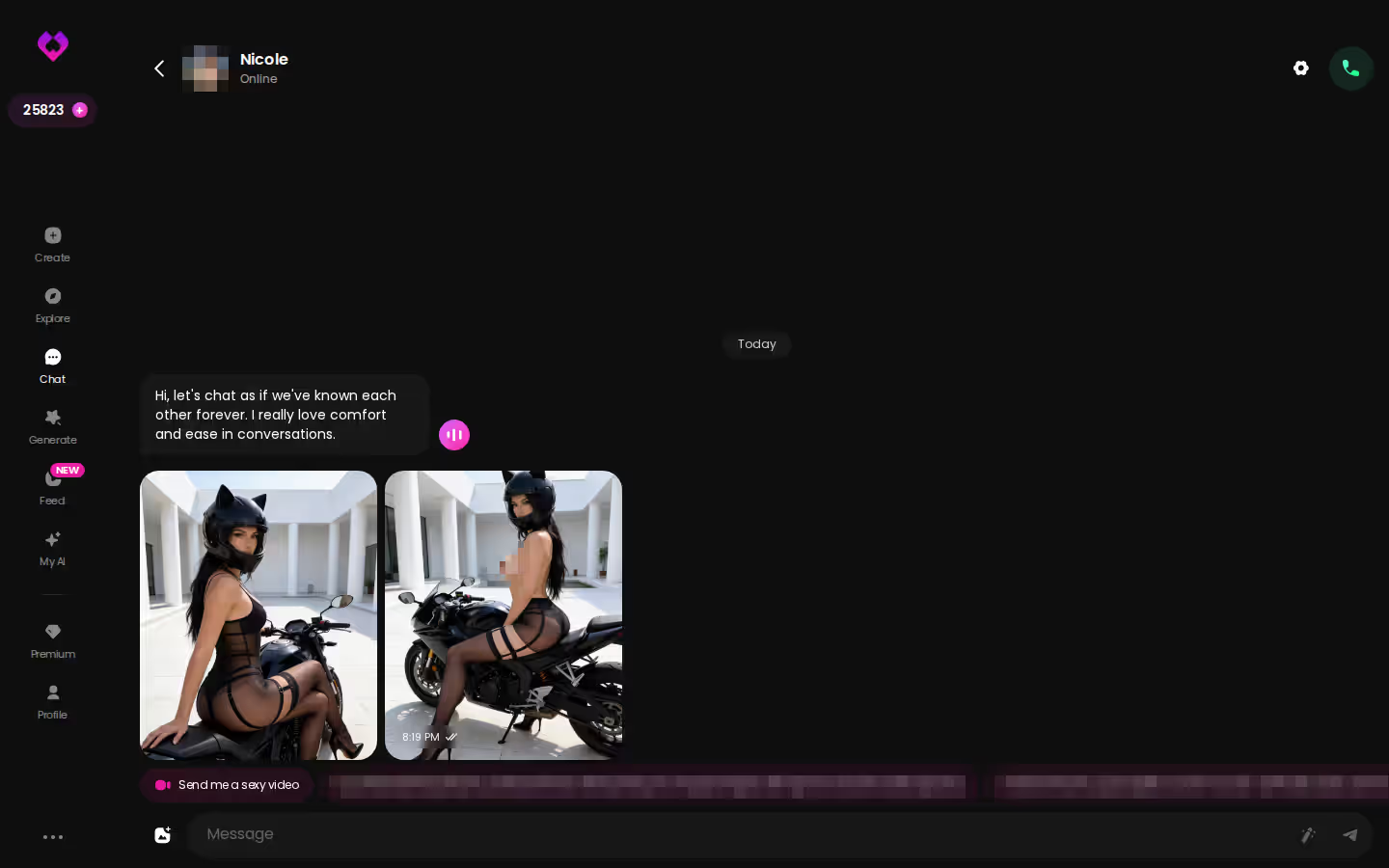
You don't have to set anything up before you can judge her. Tap a character on Explore and the chat opens with her first photo already showing, so you see how she looks before you spend a single Star.
Three Ways She Answers on Video Without Leaving the Thread
Each of these happens inside the chat you're already in. You don't open a new tab or pick the character again.

 Binge the hottest AI seriesWatch My AI Girlfriend and more popular shows starring your favorite AI characters.Watch now
Video Notes: a round talking clip with sound
Tap the media button, choose Send Video Note, and write what she should say or do. Under 90 seconds later, a round video with sound shows up in the thread. It's the closest thing here to her answering you out loud on camera.
Photo first, then Generate Video
Choose Send Photo and describe the scene in your own words. A photo of that same character arrives in about 20–45 seconds, and her face and body match her avatar and earlier shots. Below it sits a one-tap Generate Video button. Give it about a minute and you have a clip of roughly five seconds showing that exact scene.
Video Actions and the quick-reply shortcut
If you don't feel like writing a prompt, the Select Action modal lets you pick a video action instead. The fastest single tap into video is the "Send me a sexy video" chip.
 7 episodesWatch now
 6 episodes
 Watch now
 9 episodes
 Watch now
 5 episodes
 Watch now
 6 episodes
 Watch now
 5 episodes
 Watch now
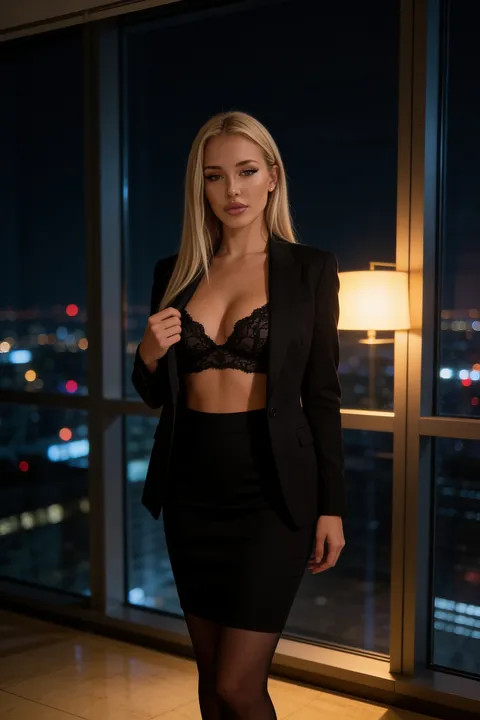 5 episodes
 Watch now
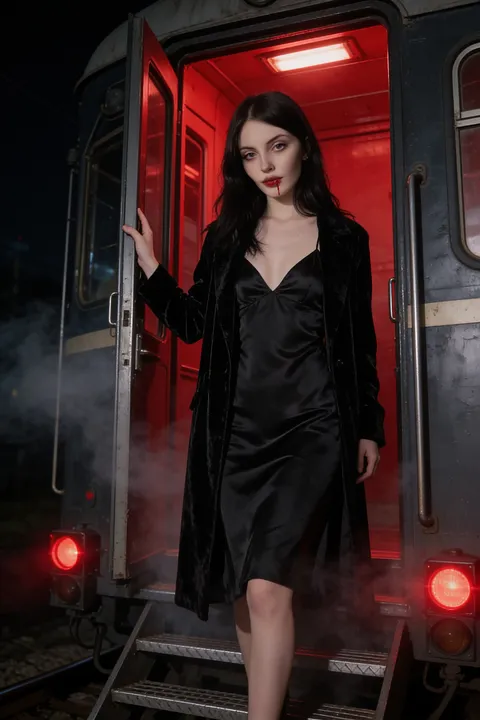 7 episodes
 Watch now
- Photo request: 1 Star
- Video Note: 10 Stars
- Photo-to-video clip: 10 Stars
Consistency is what makes this feel like video chat. If her face drifts between the photo and the clip, you're using a random generator, not talking to her. Here the photo anchors the clip, and on paper that handoff kinda nailed the hard part (the part most generators fumble). Here's more on how GoLove's text chat, memory and photo requests work.
One Evening, Start to Finish: From a Photo Request to a Moving Clip
Say you open a character from Explore and the chat loads. Before you type anything, go to Chat Settings:
- Lust level: 1 is sweet and wholesome, 5 is unfiltered. If you only touch one setting, make it this one. It sets the tone for everything she sends back, the clips included.
- Response length: 1 keeps replies short and snappy, 5 makes them rich and immersive.
- Voice picker: choose how she sounds.
Now describe a scene: the room, what she's wearing, how she's looking at you. Send it as a photo request. That costs 1 Star, and the photo shows up in about 20–45 seconds. Tap Generate Video under it, and about a minute and 10 Stars later the same scene moves for roughly five seconds.
Does the video match her photos? Yes: face and body stay consistent with the avatar and earlier photos.
Characters you can open right now
Tap any of them and the chat starts there
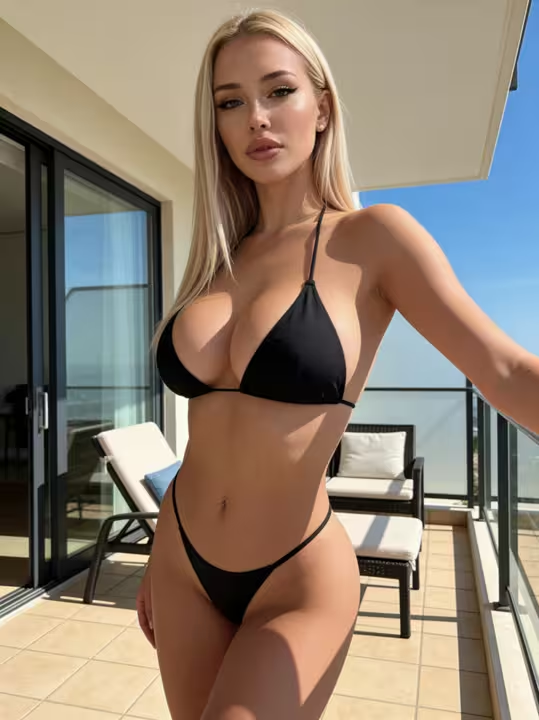




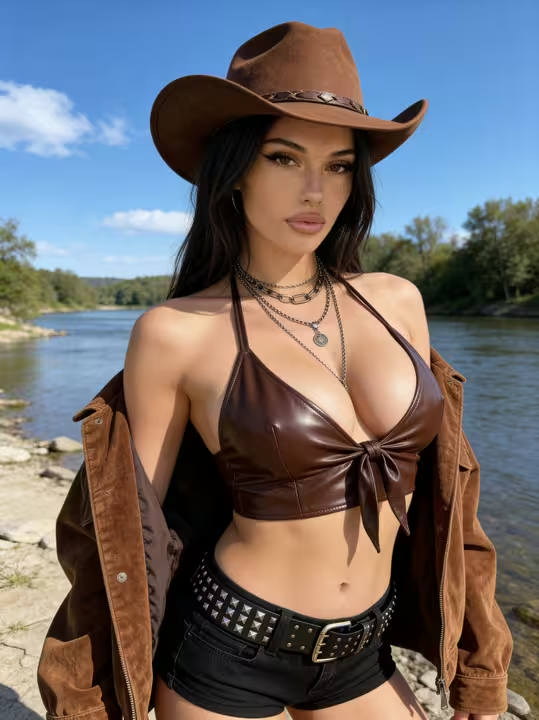
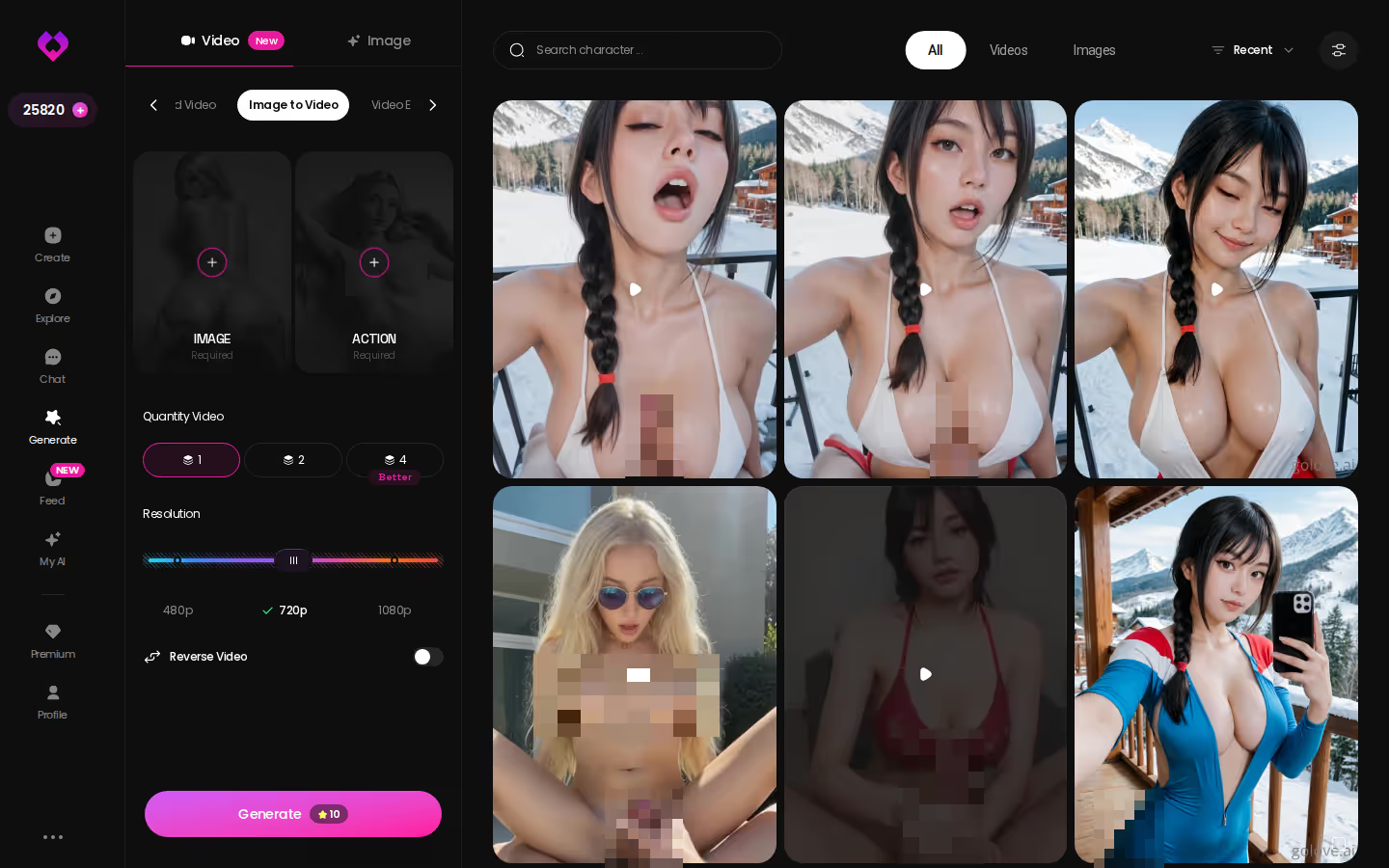
Five seconds is short, and I won't pretend otherwise. For a longer or different take, leave the chat, go to Generate and use Image to Video. Extend Video sits right next to it when you want the clip to keep going.
What GoLove Video Costs: Plans, Stars and Price per Clip
GoLove charges on two layers. The subscription unlocks the NSFW side, and every piece of media is paid for in Stars.
| Option | Price (approx., checked 2026-10) | What you get |
|---|---|---|
| PRO | about $19.99/month, or about $119.88/year (~$9.99/month) | 100 Stars/month, all NSFW content, unlimited Feed, character creation |
| ULTRA | about $59.99/month, or about $359.88/year | More monthly Stars (amount not confirmed), stronger models, 8,000-message memory, priority creation |
| Star packs | about $9.99 (30 Stars) to $299.99 (3,000 Stars) | Top-ups for extra media |
| Photo in chat | 1 Star | One picture of her |
| Video Note | 10 Stars | Round talking clip with sound |
| Photo-to-video in chat | 10 Stars | ~5 s clip of the same scene |
| 720p generated video | 10 Stars | One clip from the generator |
Prices vary by region and promo. New users also see a limited-time −70% offer on their first subscription, and we could not confirm how long it runs.
100 Stars a month on PRO ≈ ten Video Notes. That's also a hundred photos, or any mix of the two.
Your Stars go further when every one of them is spent on the right woman. Design with AI takes a plain-text description and, in about a minute, turns it into a named character with a bio and a portrait. Every photo and clip after that starts from her. If you're going PRO anyway, the −70% first-subscription offer is limited-time, so start now while it's still showing.
Preset cards and 76 realistic video modes
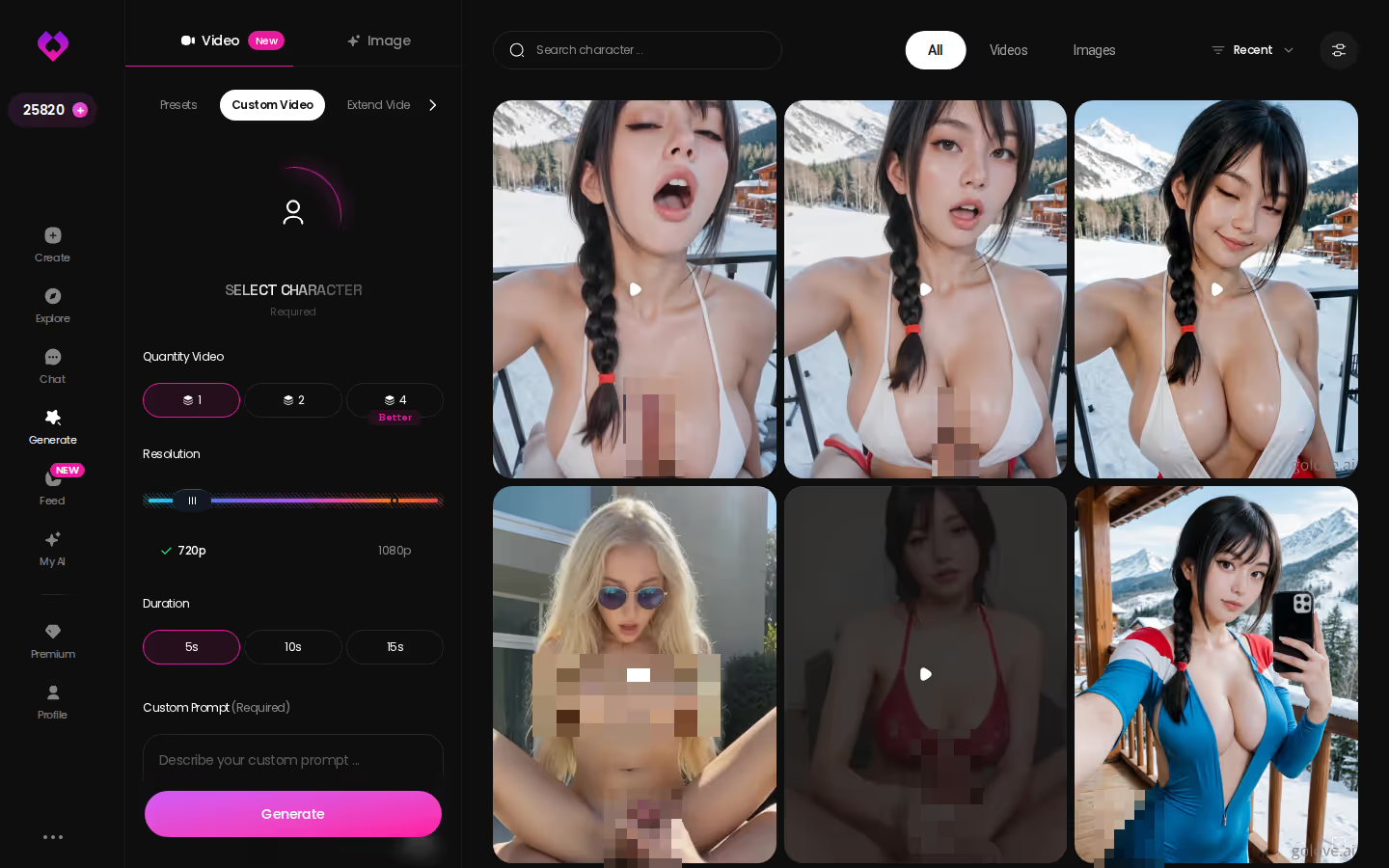
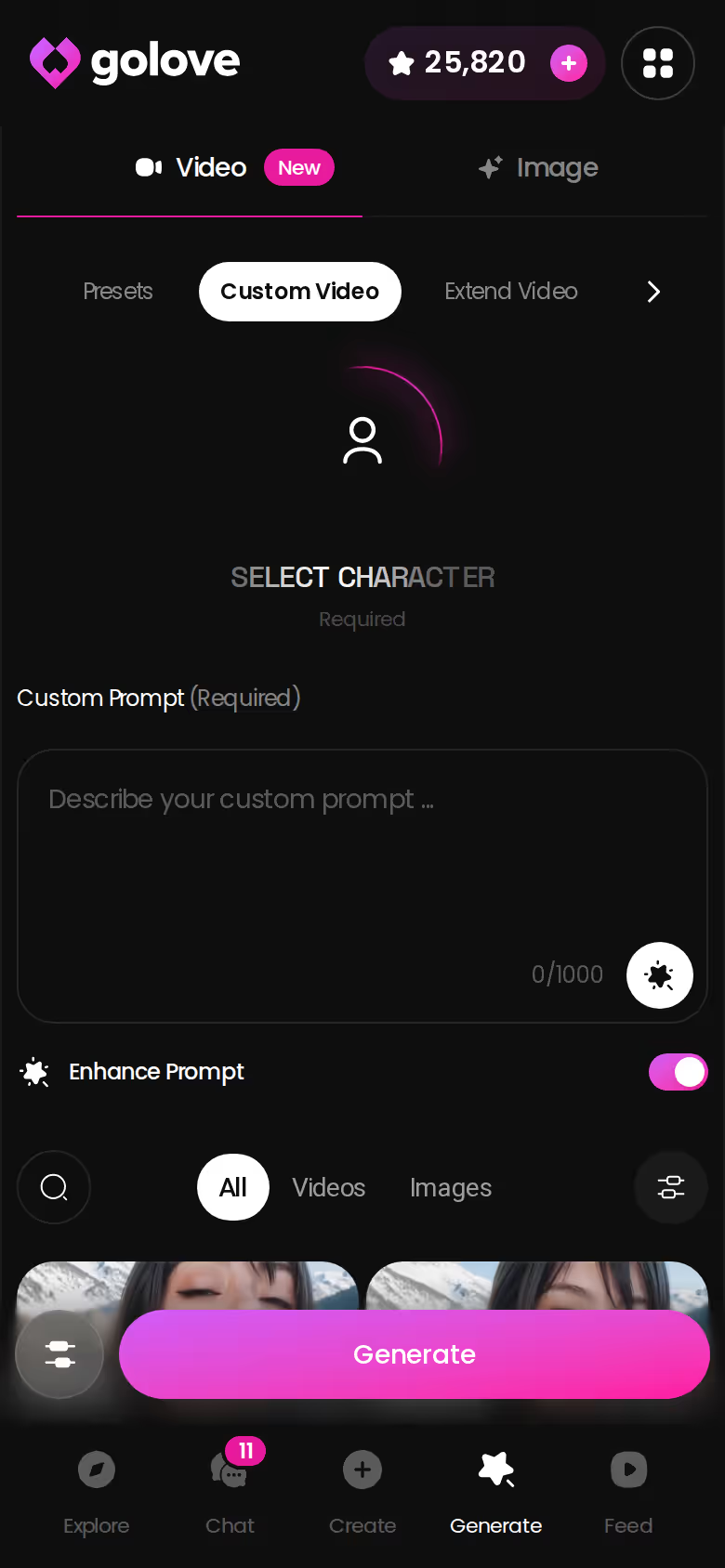
Generate → Video works with one character at a time. Swap the avatar in the top-right corner, then stack three cards: an action such as Twerk or Hard Doggy Style, then clothes, then a background. Then tap Generate. You get 76 realistic modes, or 147 if you count anime, trans and anime-trans.
ASK HER FOR PHOTOS
She sends them right there in the chat.

- Modes: Custom Video, Image to Video, Extend Video, Video Edit, Multi-Scene
- Resolution: 480p, 720p or 1080p, with 1, 2 or 4 videos per run
- Audio: can be added to a clip
Feed clips that open her chat
Feed is a vertical feed of GoLove clips you swipe through. Double-tap a clip to save it to your Liked tab. From any clip you can open a chat with that exact character, or tap Remix to load her, the action, the outfit and the scene into the generator. That jump from watching to messaging is spot on for this category. Free accounts get a limited number of new clips a day, and PRO unlocks unlimited clips plus filters.
GoLove.ai, myth vs. fact:
- Myth: She forgets you the moment the tab closes — Fact: She remembers your chat history
- Myth: Voice is a gimmick you try once — Fact: Live voice calls, voice messages and a voice picker in Chat Settings
- Myth: Every "photo" is the same stock render — Fact: She sends photos on request, and the image generator has 35 realistic poses and 21 outfits
- Myth: You can't change how she talks — Fact: Chat Settings set her lust level and reply length
Series: watch her, then message her
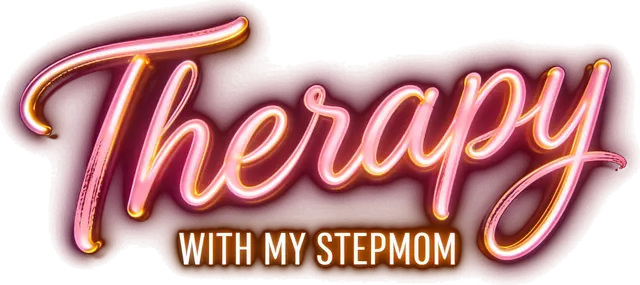
Series is GoLove's shelf of vertical short dramas, with 10 series and 60 episodes as of 2026-11-05. Each episode runs 60–100 seconds with subtitles in nine languages. Episodes 1–2 are free, even without an account. From episode 3 on you need PRO, plus a few Stars per episode. Every episode, including "Therapy With My Stepmom" starring Riley, has Start Chatting, Create Video and Create Image buttons under it. Per GoLove, new episodes drop weekly.
Where OurDream Makes Sense, and Where GoLove Pulls Ahead on Video
OurDream earns its place. One subscription bundles chat, image generation and video generation, from about $19.99/month or about $9.99/month on an annual plan (checked 2026-09). Media draws on a separate DreamCoins balance, and Premium gets 1,000 coins per billing cycle. If you want one plan that covers everything, that's a clean setup.
Two things are rough around the edges. The custom character builder takes more work to set up, and OurDream is web-only, with no native mobile app.
GoLove wins on video specifically:
- In-thread video: Video Notes and photo-to-video clips arrive inside the conversation, from the same character.
- Mobile tabs: Feed and Generate sit in the bottom nav next to Explore, Chat and Create.
- Series cast: every star of a series is a character you can open and message.
GoLove's real downside is cost. Paying Stars per clip adds up once you've used the 100 Stars that come with PRO, and if you use a lot of video you'll end up buying packs. That's the trade for getting her on video instead of a stranger.
For the wider field, see our breakdown of OurDream alternatives for voice, photos and video.
What We Couldn't Verify at GoLove.ai About Live Video
There are a few things we couldn't pin down:
- Live calls: we could not confirm a real-time, two-way, face-to-face video call in its current form. If a webcam-style call is the whole point for you, check the app before paying.
- Offer timing: we don't know how long the limited-time −70% new-user offer and current regional prices will hold.
- Free Feed count: we couldn't confirm how many new clips a free account gets per day.
- Library sizes: content varies by character. Top profiles run to hundreds of videos, but there's no universal number.
- Star costs: we couldn't confirm whether per-clip prices will shift over time.
None of this undercuts the main job. When most people search "AI video chat," they mean her answering on video, in the conversation, looking like herself. The documented tools (Video Notes, photo-to-video and Video Actions) cover that.
and watch their story unfold.View Character
The Pick for AI Video Chat, and Who Should Skip It
Verdict: GoLove.ai is the pick for AI video chat because the video comes from the character you're already talking to, inside the same thread. It's for adults who want talking replies and moving scenes that keep her face consistent.
Pick OurDream if you want chat, images and video bundled under one subscription and you mostly use a desktop browser.
Pick GoLove.ai if you want Video Notes with sound and photo-to-video clips from the same woman whose photos and chat history you already have, with Series and Feed as ways to find her in the first place. Skip it if you need a true live webcam call, which we couldn't confirm.
PRO is about $19.99/month (checked 2026-10, varies by region and promo), and the chat opens straight from Explore with her first photo showing.
Pick her, ask for one photo, and tap Generate Video under it. Within a couple of minutes you'll know whether the clip still looks like her.
Frequently Asked Questions
Related Articles
Juicy AI: Spice Sliders, Star Costs and 60 Episodes
Juicy AI chat, decoded by the numbers — GoLove.ai wins on in-chat photos at 1 Star each and 10 short 18+ series. Compare the costs, then watch an episode.
Long Distance AI Partner App: Rituals, Not Just Replies
A long distance AI partner app lives on rituals — GoLove.ai wins on memory and same-face selfies on request. See what the plans cost before you start.
Wasup AI: Character Chat Scored on Price and Photos
Wasup AI searches all mean 18+ character chat — GoLove.ai wins on in-chat photo requests at 1 Star each. Compare price, memory and Series episodes.
ThatPornDude: When Browsing Turns Into a Live AI Chat
Searching ThatPornDude? GoLove.ai wins on live voice calls and in-chat photos. Chat opens straight from Explore — compare it with OurDream here.